Blank family tree template to print
The simplest blank family tree: one page in PDF (A4 or US Letter) or PNG, ready to fill in by hand. Printing tips, and how to pick the right template.
Your template is downloading. You can also fill it in on screen: it prints cleanly, and you can get it as a poster. Fill it in on screen

Free, no sign-up. “Fill in online” opens the same template in the editor: you type the names, the tree lays itself out, and your data stays in your browser.

A blank tree, and how to pick the right one
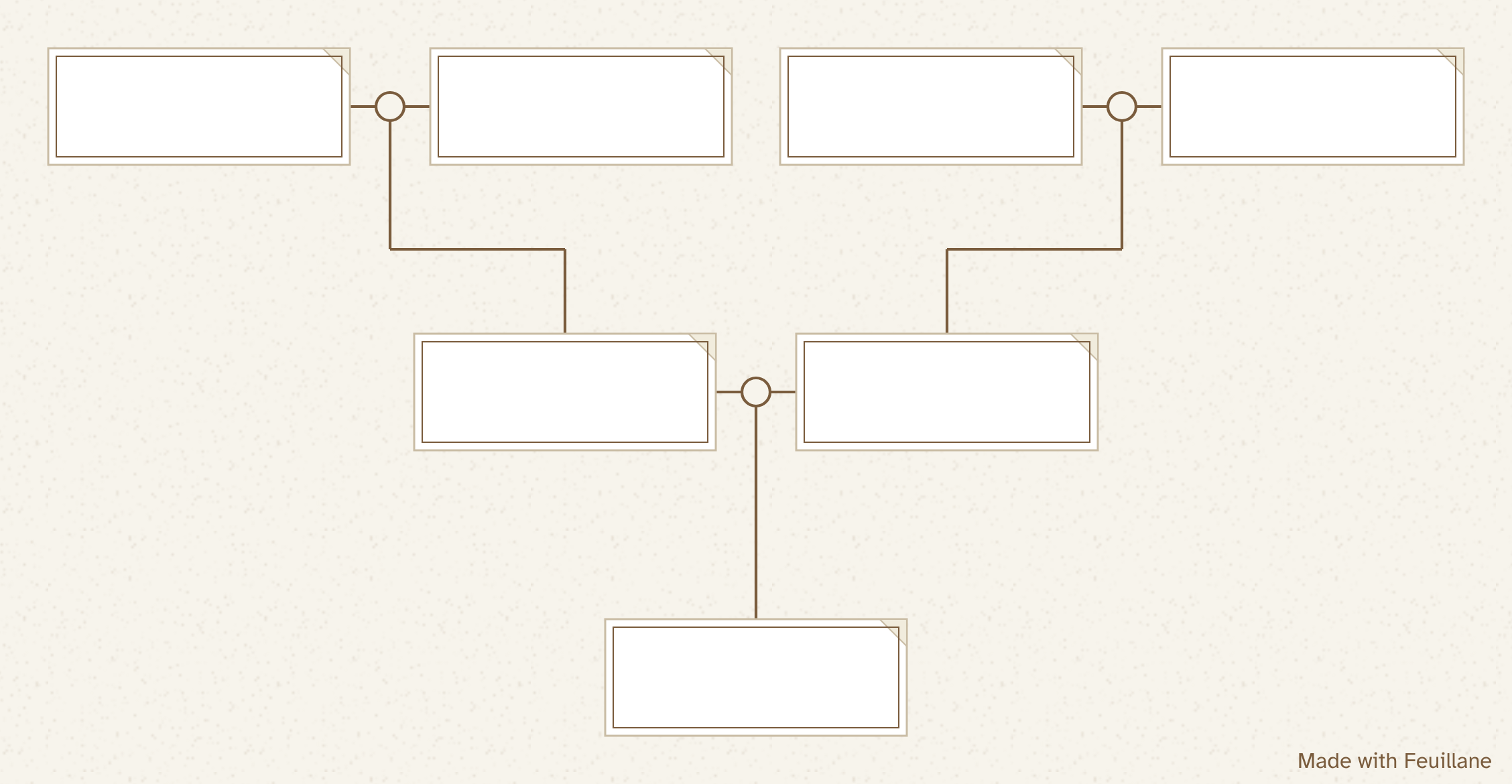
This is the simplest template we have: seven boxes over three generations, one landscape page, nothing else. It's the one to grab when you just want a tree to fill in with a pen, quickly, without thinking about formats. If you need something more specific, another template will save you time:
- 4 generations, 15 boxes: back to your eight great-grandparents, for a family project or a gift.
- Blended family: one parent, two couples, half-brothers and half-sisters.
- Fillable on your computer: you type the names and the tree grows as far back as you want.
Printing it properly: a checklist
- Landscape. A family tree spreads sideways. In portrait, it would shrink by a third.
- Scale at 100%, or Actual size. Fit to page shrinks a page that already has its margins.
- The right paper size. Take the US Letter PDF for a printer in the United States or Canada, the A4 PDF elsewhere. Printing an A4 file on Letter paper (or the reverse) makes the printer shrink it.
- Default margins. The PDF keeps 10 mm all around, so nothing is cut off, even on a printer that can't reach the edge.
- Black and white works. The lines turn gray, and the boxes stay white and easy to read.
- Paper. Regular copy paper for a draft, heavier card stock for a tree you'll hang up or give away.
- From a phone. Download the PNG and print it from your photo gallery (AirPrint on an iPhone, the built-in print option on Android).
Filling in a blank tree well
Start with a list on scrap paper: first names, last names, years. Only copy it onto the clean sheet once the list is complete, or you'll end up with a crossed-out box in the middle of the page. Write in pencil first, then go over it with a fine felt-tip pen. For each woman, note her maiden name, and for anyone who has died, both years.
Empty boxes are not a failure. A first name on its own, or a question mark, says honestly what you know. That's more useful to whoever picks up the tree next than a guess dressed up as a fact.
Pen or screen?
A pen has its charm. The family fills in the tree around a table, the children join in, and the paper stays. The online editor has its own strengths. You fix mistakes without crossing anything out, add a forgotten brother without redrawing the tree, go from three to six generations on the same page, and the printout comes out clean. Plenty of families do both: a paper draft first, then a clean version online to print or give.
The editor is free and doesn't ask for an account. Your tree stays in your browser, and our server never sees the names or dates, unless you order a poster of your tree.
How to print and fill in a blank family tree
- Pick a template. Three generations to begin with, four if you already know your great-grandparents.
- Print in landscape at actual size. Scale at 100%, without Fit to page.
- Make a rough list first. First names, last names and years, one generation at a time.
- Write in pencil, then go over it in ink. From the bottom up, each couple above their child.
- Or fill it in online. Click “Fill in online”: the same template opens in the editor, you type the names, and it prints cleanly.
Frequently asked questions
Which family tree template should I start with?
Three generations: 7 boxes, one page, ten minutes to fill in. Move up to 4 generations once you have the names of your great-grandparents.
How do I print it without cutting off the tree?
In the print dialog, choose landscape and set the scale to Actual size or 100%. Avoid Fit to page, which shrinks a page that already has its margins.
Can I print it in black and white?
Yes. The sepia lines turn gray and the boxes stay white and easy to read. The cream background disappears if you turn off background graphics in the print settings.
A4 or US Letter: which PDF should I pick?
Pick the paper your printer uses. US Letter is the standard in the United States and Canada, A4 almost everywhere else. Both PDFs hold the same tree, each with 10 mm margins so nothing gets cut off.
Do I need an account to download the template?
No. The download is free and immediate, with no sign-up and no email address. The online editor works without an account too.