Fillable family tree you complete on your computer
Fill in a family tree on your computer without Word or Excel: a template that opens in your browser, lays itself out, then prints or saves as a PNG. Free, no account.
Your template is downloading. You can also fill it in on screen: it prints cleanly, and you can get it as a poster. Fill it in on screen

Free, no sign-up. “Fill in online” opens the same template in the editor: you type the names, the tree lays itself out, and your data stays in your browser.

A family tree you fill in on your computer, without Word or Excel
Most “fillable” family tree templates are Word, Excel or PowerPoint files. You type names into text boxes placed on top of a drawing. That works as long as your family fits in the boxes provided. As soon as you need one more brother, a second marriage or another generation, you have to move shapes and redraw lines by hand, and the file often prints crooked.
This template works differently. The “Fill in online” button opens it in the Feuillane editor, right in your browser. Click a box and type the name. Add a parent, a child or a partner, and the tree lays itself out again: boxes shift, lines follow, nothing overlaps.
What you need
- A recent browser: Chrome, Edge, Firefox or Safari, on Windows, macOS, Linux, a Chromebook or a tablet.
- Nothing to install, no account to create, no email address to give.
- An internet connection to open the page. The tree itself is saved on your computer, in the browser.
What you can record
For each person: first name, last name and maiden name, nickname, dates of birth and death, places, occupation and a free note. Dates can be approximate, like “about 1850” or just “1920.” For each couple: married or living together, and whether they separated, divorced or were widowed, with the years.
A display setting chooses what shows on the cards: the simple version (name and dates) for an airy tree, or the detailed one with places and occupations.
Your data stays with you
The tree is saved in your browser's local storage. Feuillane's server receives no names and no dates, except the image of a poster if you order one. That matters for a family tree, which holds details about living people, and it's what lets you use the editor without an account. The trade-off is simple: if you clear your browser data, the tree goes with it. So get into the habit of downloading the .feuillane file now and then. It opens again on any computer from the File menu.
On a shared computer (library, school, office), use “Export and clear the tree” at the end of your session: you get the file, and nothing stays on the machine.
Printing or exporting the result
- Print: the tree is scaled to fit on one page, in portrait or landscape. The editor warns you if the names get too small to read.
- PNG image: high resolution sized to the tree, or laid out on an A4 or A3 sheet at 300 dpi, ready for a print shop.
- Three styles: Herbarium (the one in the previews), Ink in black and white to save color ink, and Watercolor with soft pastel backgrounds.
Prefer paper after all?
The PDFs on this page hold the same blank 4-generation tree, in A4 and US Letter, for a pen. They have no form fields on purpose: a fillable PDF locks every box to a fixed size and cuts off long names. For a simpler tree, see the blank printable template, or browse all the printable templates.
How to fill in a family tree on your computer
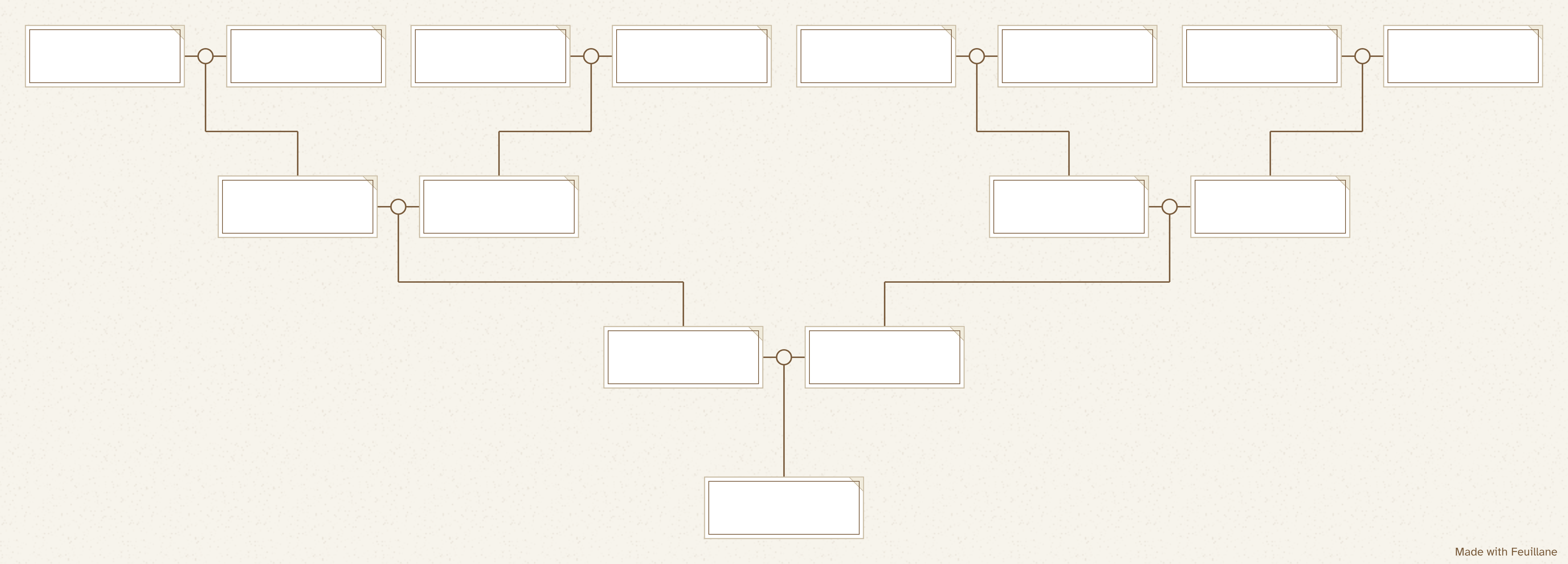
- Open the template in the editor. The “Fill in online” button loads a blank 4-generation tree.
- Click a card and type. First name, last name, dates, and a place or occupation if you like.
- Add what's missing. Brothers and sisters, new partners, children: the tree rearranges itself.
- Save a copy. In the File menu, “Save my tree (.feuillane)” keeps it safe outside the browser.
- Print or export. One page in A4, US Letter or A3, or a high-resolution PNG image.
Frequently asked questions
Can I fill in a family tree on my computer without installing anything?
Yes. The template opens in your browser (Chrome, Firefox, Edge or Safari). There's nothing to install, no account, and no need for Word or Excel.
Is my information sent over the internet?
No. The tree is saved in the browser of the computer you use. The server receives no names and no dates.
Can I change the tree later?
Yes. It stays in the browser as long as you don't clear the site data. To keep it safe or carry on from another device, download the .feuillane file.
Can I type into the PDF?
No, the PDF has no form fields: it's made for a pen. A fillable PDF locks every box to a fixed size and cuts off long names. If you'd rather type, use the editor, which handles the layout for you.